 SameSame
Right-click any image
Run Amazon, Temu, AliExpress, or eBay visual search from an image on any website.
Chrome Featured
SameSame unlocks each platform’s own visual search from the page you are on: Amazon, Temu, AliExpress, and eBay. Find similar products, compare across those stores in a sidebar, and stay on the listing you were already looking at.
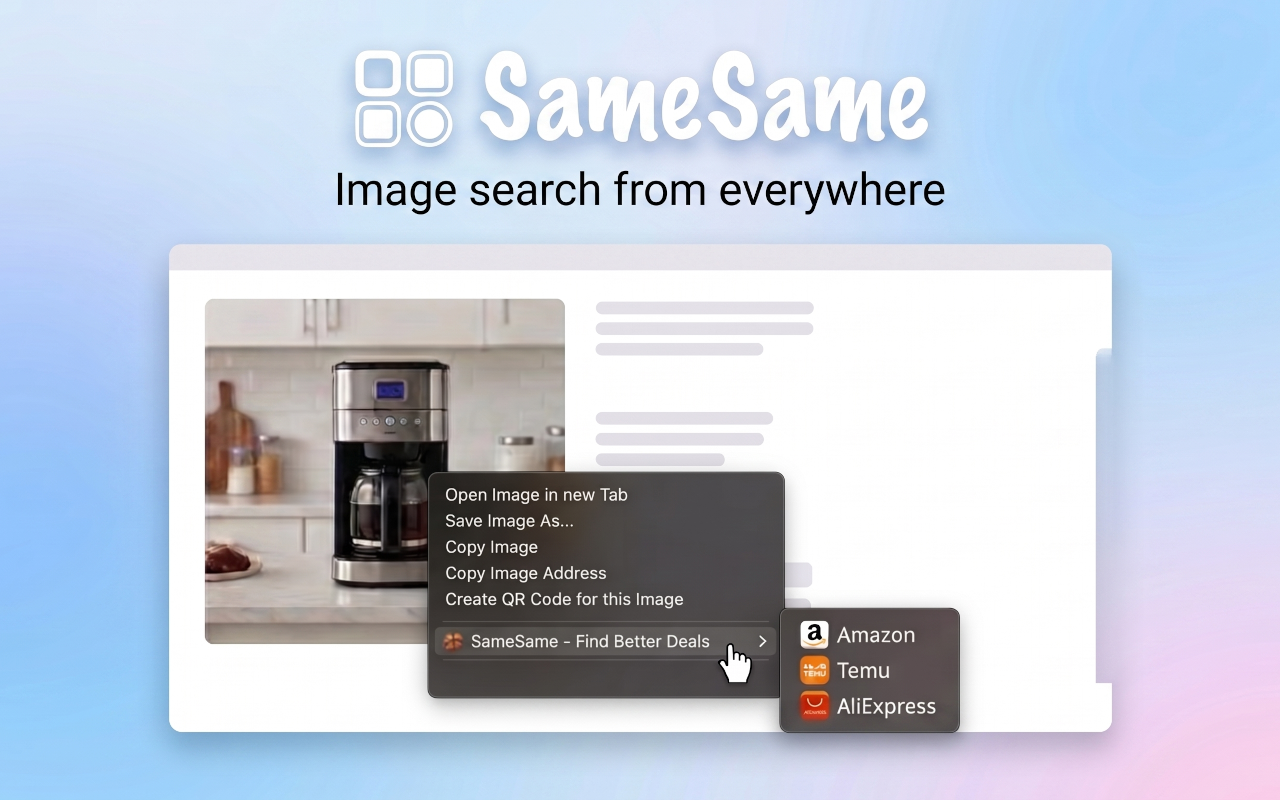
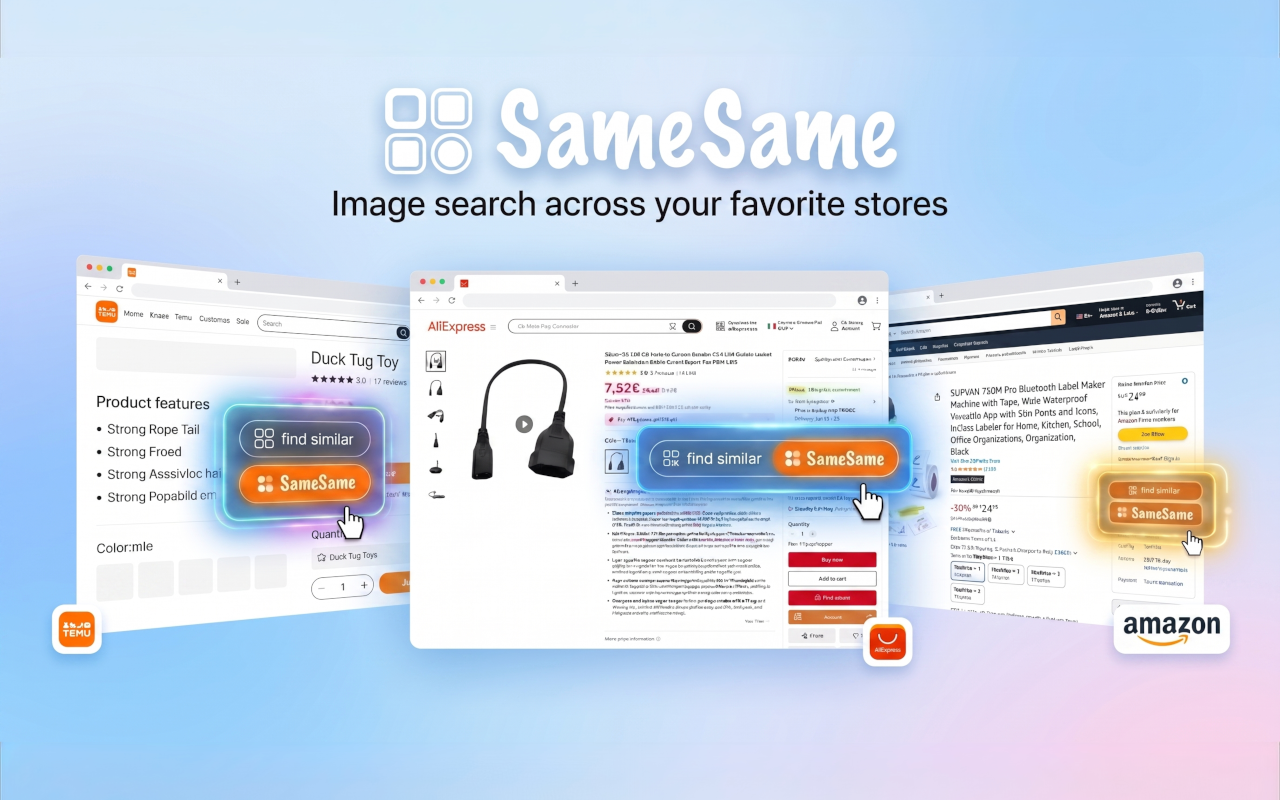
Each store already has visual search. It is mostly hidden on desktop and used in mobile and out-of-stock flows. SameSame opens those tools from the page you are already on, across Amazon, Temu, AliExpress, and eBay, instead of sending you to a third-party reverse-image site.
Run Amazon, Temu, AliExpress, or eBay visual search from an image on any website.
One-click find-similar on Amazon, Temu, AliExpress, and eBay product pages.
In-page buttons on many third-party shops, including Etsy and others.
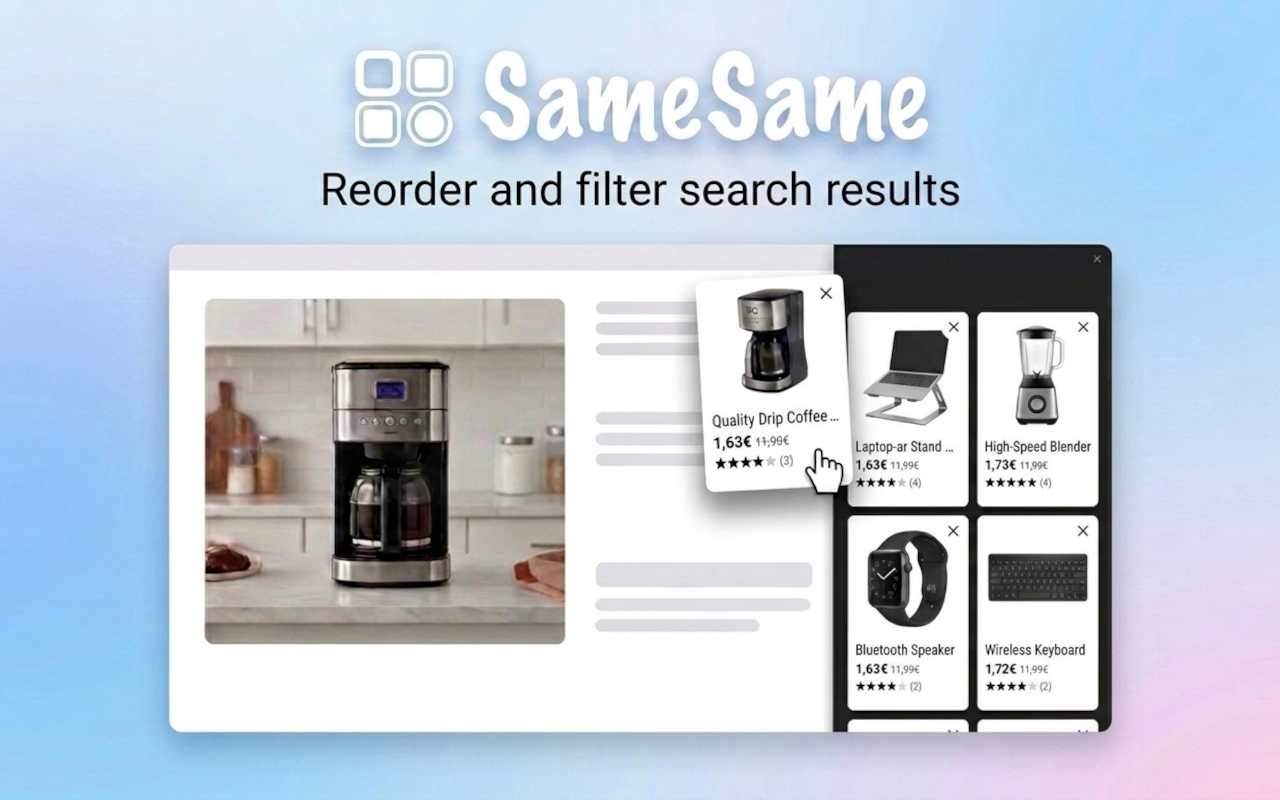
Results stay on the original page. Reorder or hide items while you compare.
Practical walkthroughs for visual search on AliExpress, Amazon, Temu, and eBay, with AliExpress image search as the main path.
How to use AliExpress image search from an Amazon listing to find the same or similar item, often cheaper.
Native AliExpress photo search compared with SameSame right-click visual search from any page.
How to use Amazon visual search from desktop with right-click, find similar, and a sidebar.
Find the same item on both stores from one photo and compare listings side by side.
How to use Temu visual search from desktop with right-click, find similar, and a sidebar.
How to use eBay visual search from desktop with right-click, find similar, and a sidebar.
Use store visual search across Amazon, Temu, AliExpress, and eBay instead of a generic reverse-image site.
The same product is often listed at very different prices during the sale weekend. Check AliExpress, Temu, Amazon, and eBay from the photo before you buy.