 SameSame
Black Friday / Cyber Monday 2026
Check the same product on AliExpress, Temu, Amazon, and eBay before you buy this Black Friday
Black Friday is Friday 27 November 2026. Cyber Monday is Monday 30 November 2026. Sale tags look similar until you look at the same item on four marketplaces. SameSame is a free browser extension that runs each store's own image search from the page you are already on, so you can compare before you check out.
The same item, four different prices
During Black Friday and Cyber Monday, marketplaces do not move in lockstep. A gadget that looks discounted on Amazon can still be cheaper on AliExpress once you add shipping, or the Temu listing may arrive later in a way that changes whether the deal is worth it. eBay can mix new, used, and third-party sellers behind photos that look alike.
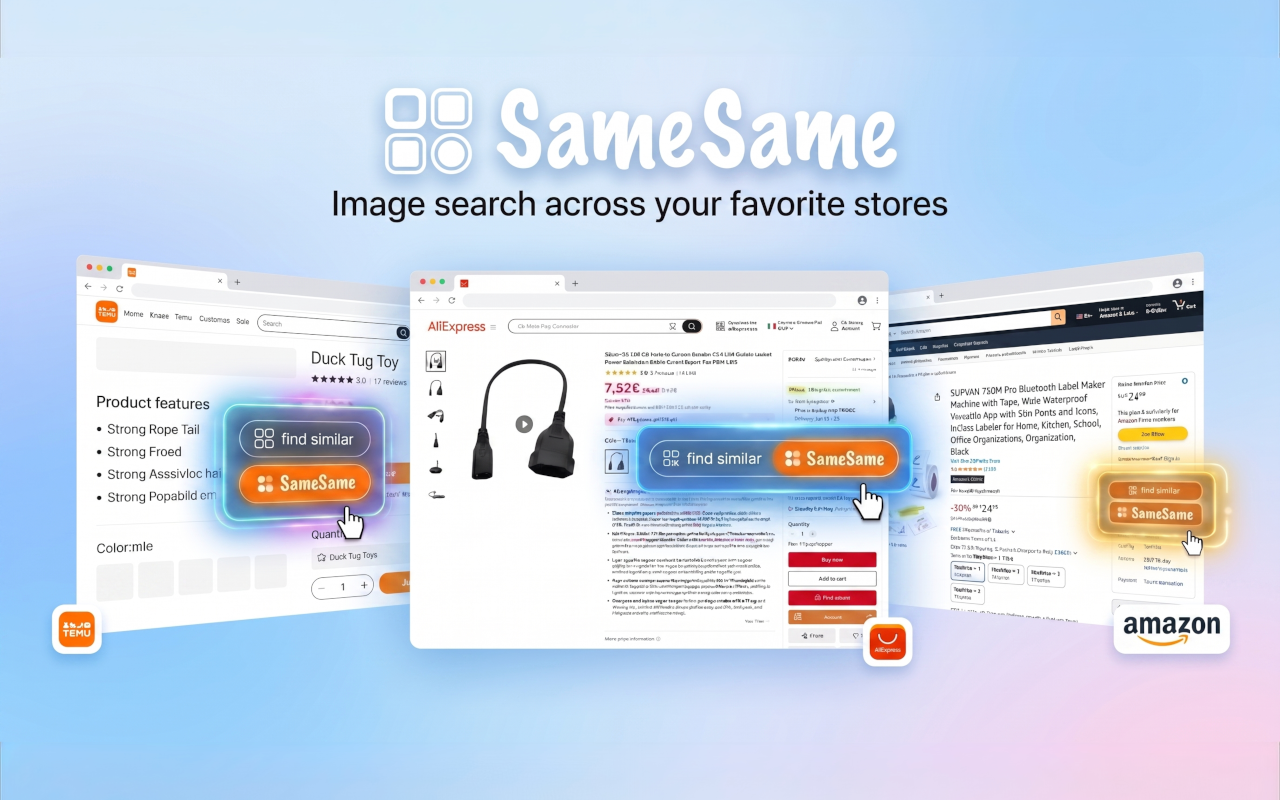
SameSame does not invent a lowest price and it does not run its own product index. It opens the native visual search of AliExpress, Temu, Amazon, and eBay from the listing you are already reading, so you see the matches those stores return for that photo.
How to check with SameSame in three steps
You can start from almost any product photo on the web, including the sale page you were about to buy from.
- Right-click the product image, or open the sidebar. From nearly any website, right-click the photo and choose AliExpress, Temu, Amazon, or eBay. On those stores' own product pages you can also use Find similar. The sidebar keeps results next to the original listing.
- Read matches from each marketplace's own image search. The search runs on the platforms, not on a generic reverse-image site. You get product listings those stores consider visually close to the photo you started with.
- Compare, then decide. Look at the total, not only the headline price. If two photos match but the pack size, voltage, or seller look different, treat them as different offers.
Practical shopping notes for this sale weekend
A visual match is a candidate, not a purchase. These checks take a minute and usually matter more than the badge on the listing.
- Compare shipping times and the total cost. A lower item price with slow or paid shipping can cost more than a listing that looks less discounted and arrives sooner. Add shipping, import fees if they apply, and the date you actually need the item.
- Check seller ratings. The photo can match while the seller is new, has thin feedback, or ships from a warehouse that is slow this week. Read the seller score and a few recent comments before you pay.
- Watch for fake 'was' prices. Some tags show a crossed-out number that was never a real selling price. Ignore the strikethrough and compare the current total with the same item on the other stores.
FAQ
Is SameSame free?
Yes. The extension is free on Chrome, Firefox, and Edge. There is no paid plan on this page and no account to create.
Which stores does it search?
AliExpress, Temu, Amazon, and eBay. SameSame uses each marketplace's own native image search rather than a separate product index.
Which browsers are supported?
Chrome, Firefox, and Edge. Install the listing for the browser you already use.
Do I need an account, and what about privacy?
No account is needed. Image searches go to the marketplaces so they can return results. SameSame does not ask you to sign up.
Install SameSame before you shop this weekend
Add the extension, open a product photo, and right-click (or use the sidebar) to see AliExpress, Temu, Amazon, and eBay side by side. Black Friday is 27 November 2026. Cyber Monday is 30 November 2026. Checking the same image across stores takes less time than arguing with a return later.